How Do I Get My Certification Packet from DONA?
So you’ve completed your DONA-approved Doula Training (congrats!), and you want to jump right into getting your DONA certification. We’re here to share with you how to start that process, using our experience guiding our own trainees. Let’s jump in!
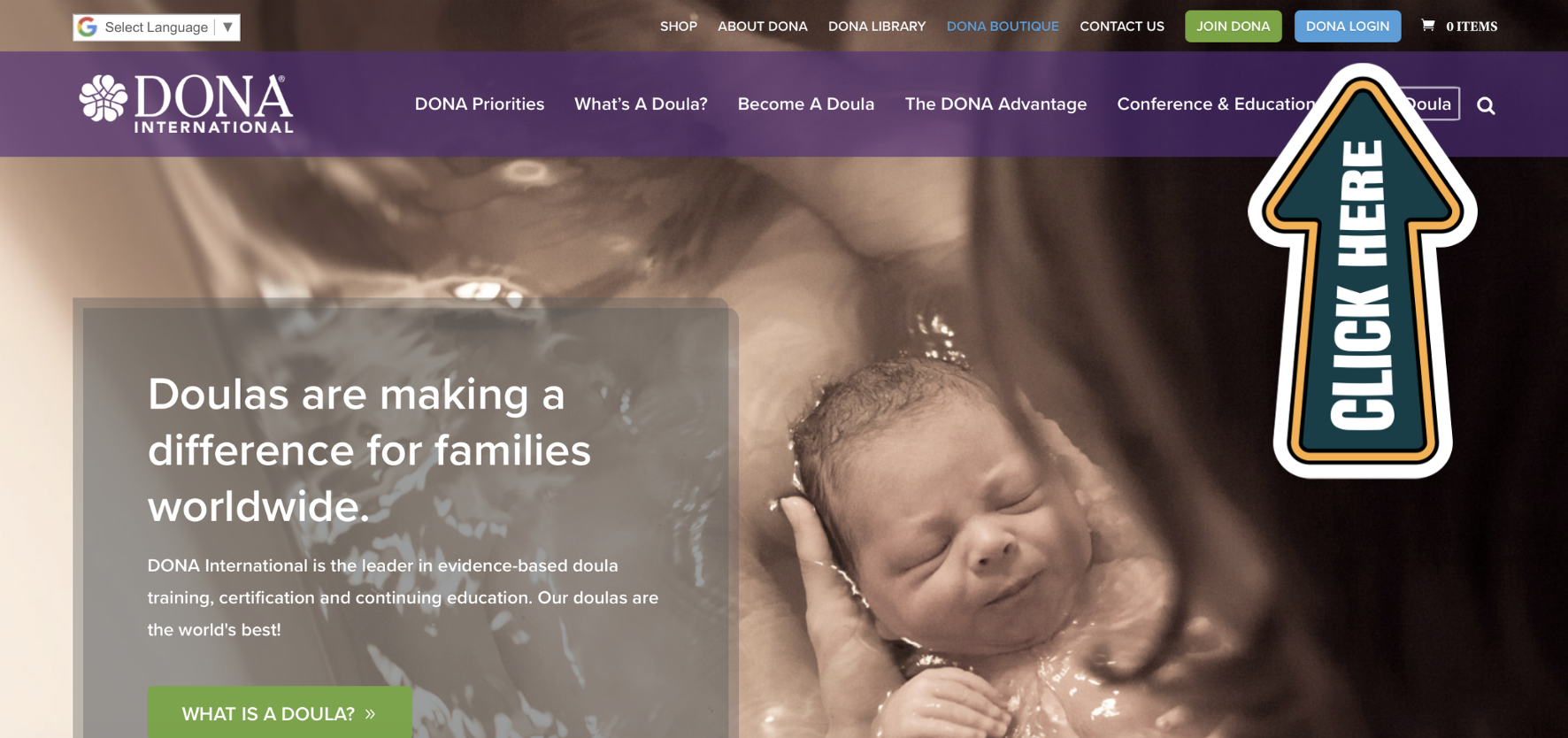
Step 1: Head to www.dona.org and log in using the button in the top right corner.
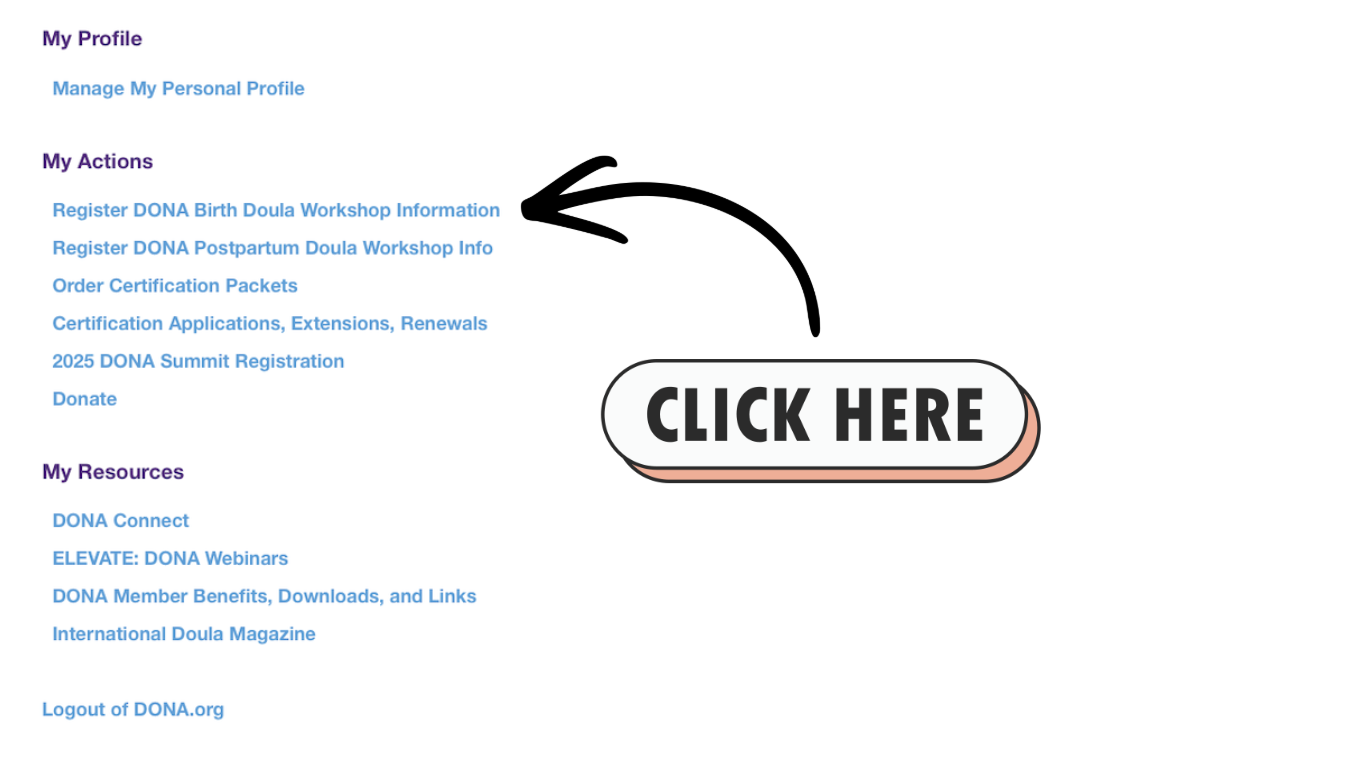
Step 2: In the DONA portal, under My Actions, choose “Register DONA Birth Doula Workshop Information.”
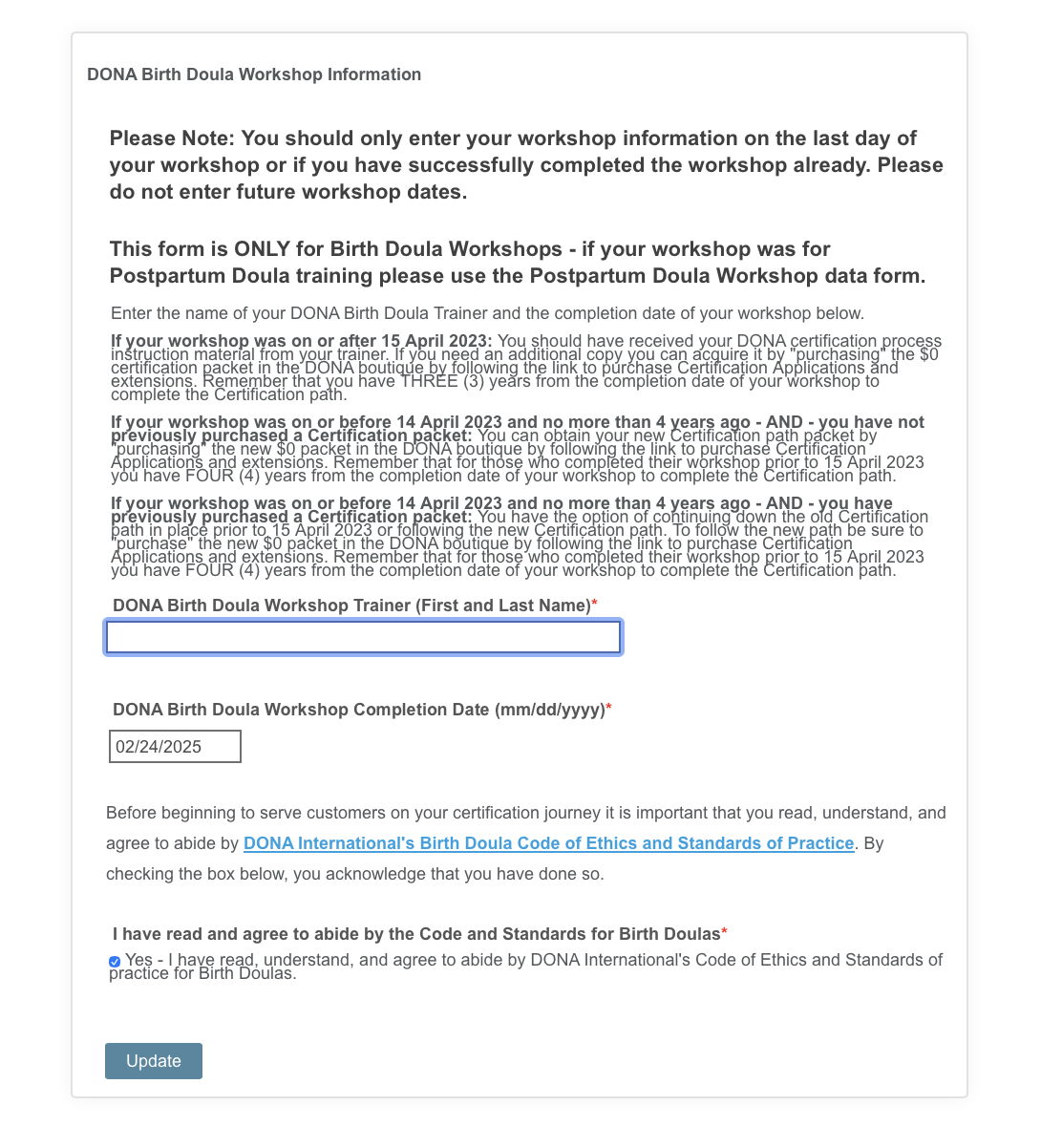
Step 3: Complete your registration information.
Now you’re able to get your certification materials.
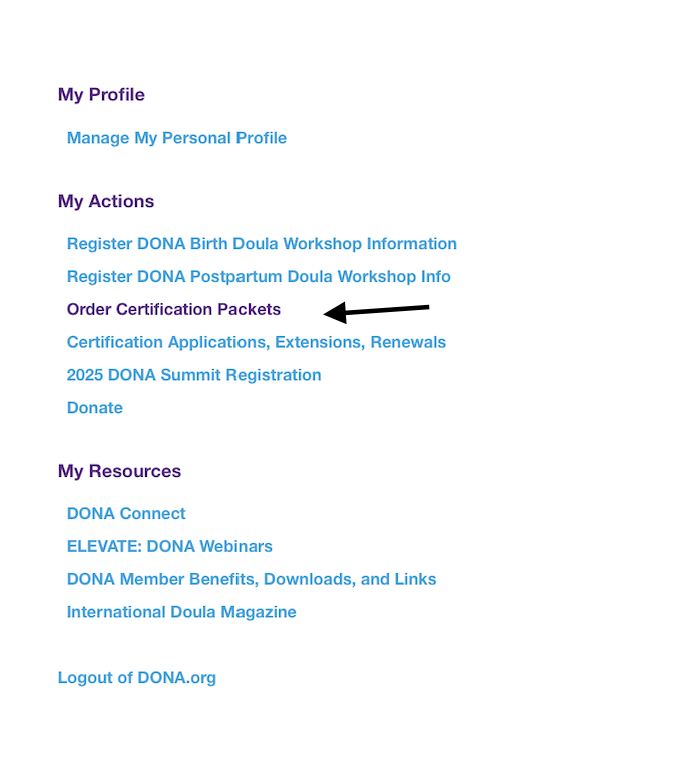
Step 4: Under My Actions, click on “Order Certification Packets.”
Now DONA will send you an email with the certification package, and you can move forward with your doula certification process!
A couple of tips:
Be sure to check your spam in waiting for the application form. If you don’t receive it in a couple of days, reach out to the support email to follow up.
Your trainer will not need to sign the application form; instead you will upload your certificates in the final stage.
Your packet will have the doula client review/birth log form, and you will need to print three of them to cover your three births.
Need support securing your three births? Check out our blog post “5 Tips for Getting your Certifying Births” here!